Software and AI
How robots are programmed: pendants, hand guiding, simulation and code
The main ways to tell a robot what to do, from the classic teach pendant to hand guiding, offline simulation and programming interfaces, and how to choose between them.
A robot does nothing useful until someone tells it what to do. How that is done has changed a lot: programming once needed specialists for every change, while many modern robots can be set up by the people who run the production line.
The teach pendant
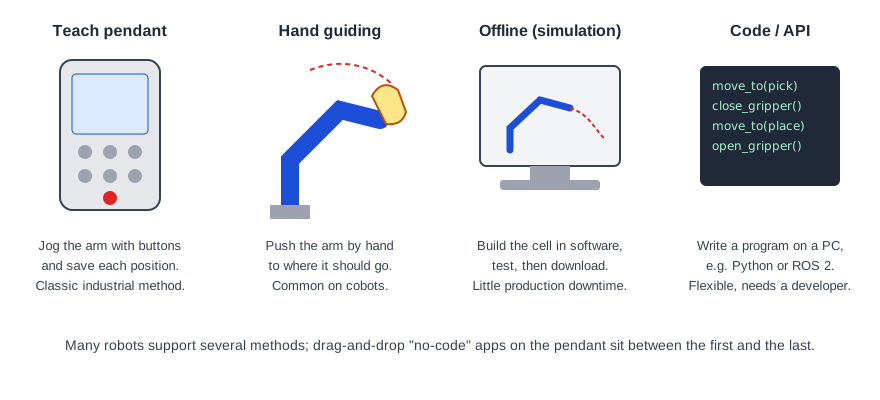
The teach pendant is the handheld tablet or console connected to the robot controller. The operator moves ("jogs") the arm with buttons or a joystick, saves positions, and builds a program from them with commands such as move, wait for a signal or open the gripper. Every industrial robot has one, and each maker has its own programming language, so skills don't transfer directly from one brand to another.
Pendants include an emergency stop and usually an enabling switch that must be held for the robot to move while someone is close to it.
Hand guiding
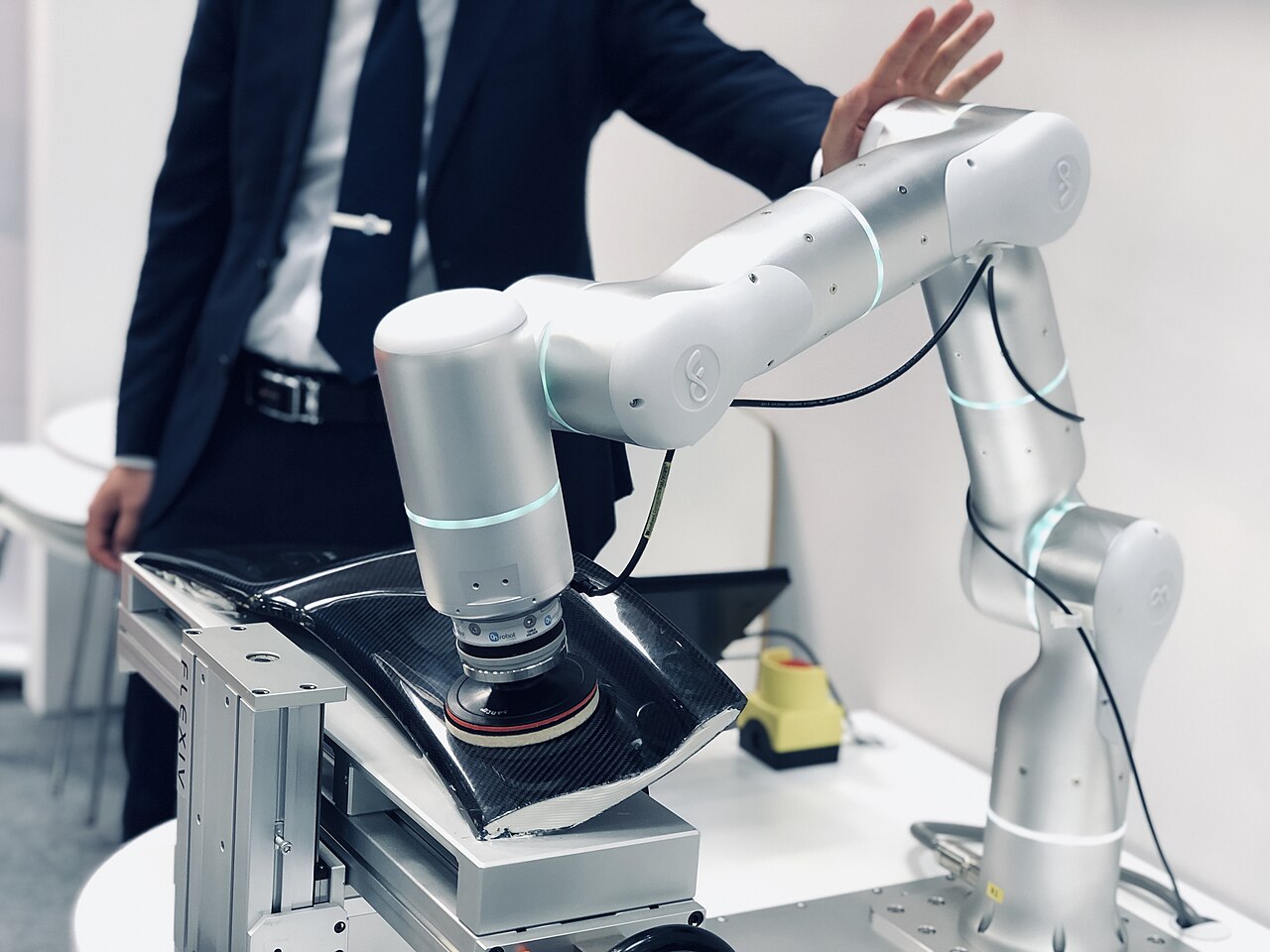
On most cobots you can press a button and push the arm by hand to the position you want, then save it. This makes teaching positions quick and intuitive, and it is one of the reasons cobots are popular with small companies. Many cobot pendants also offer drag-and-drop "no-code" editors and ready-made apps for common tasks like palletizing.
Offline programming and simulation
In offline programming, the whole cell is modelled on a computer: robot, tool, parts, fences and machines. The program is written and tested in simulation, checking reach, collisions and cycle time, and only then downloaded to the real robot. The line keeps running while the next job is prepared, which matters for big or frequently changing installations. Positions usually still need a quick touch-up on the real cell, because the real world never matches the model exactly.
Code and programming interfaces
Many robots can also be controlled from a PC through an API or SDK, often in Python or C++, or through ROS 2. This is the usual route in research, in education and in applications that combine the robot with vision or AI. It is the most flexible method but needs a software developer and careful attention to safety, since the robot will do exactly what the code says.
Choosing
- Few, stable products: pendant or hand guiding is enough.
- Many variants or frequent changes: look for offline programming and good tooling from the maker or third parties.
- Research, vision, AI: check SDK, ROS 2 support and documentation quality before buying.
On DroidBazaar, robot pages show whether an SDK and ROS support are published by the maker, with the source.
Read robot software and ROS or compare cobots and research robots.